Networking
Whole-Home Wi-Fi & Mesh Networking
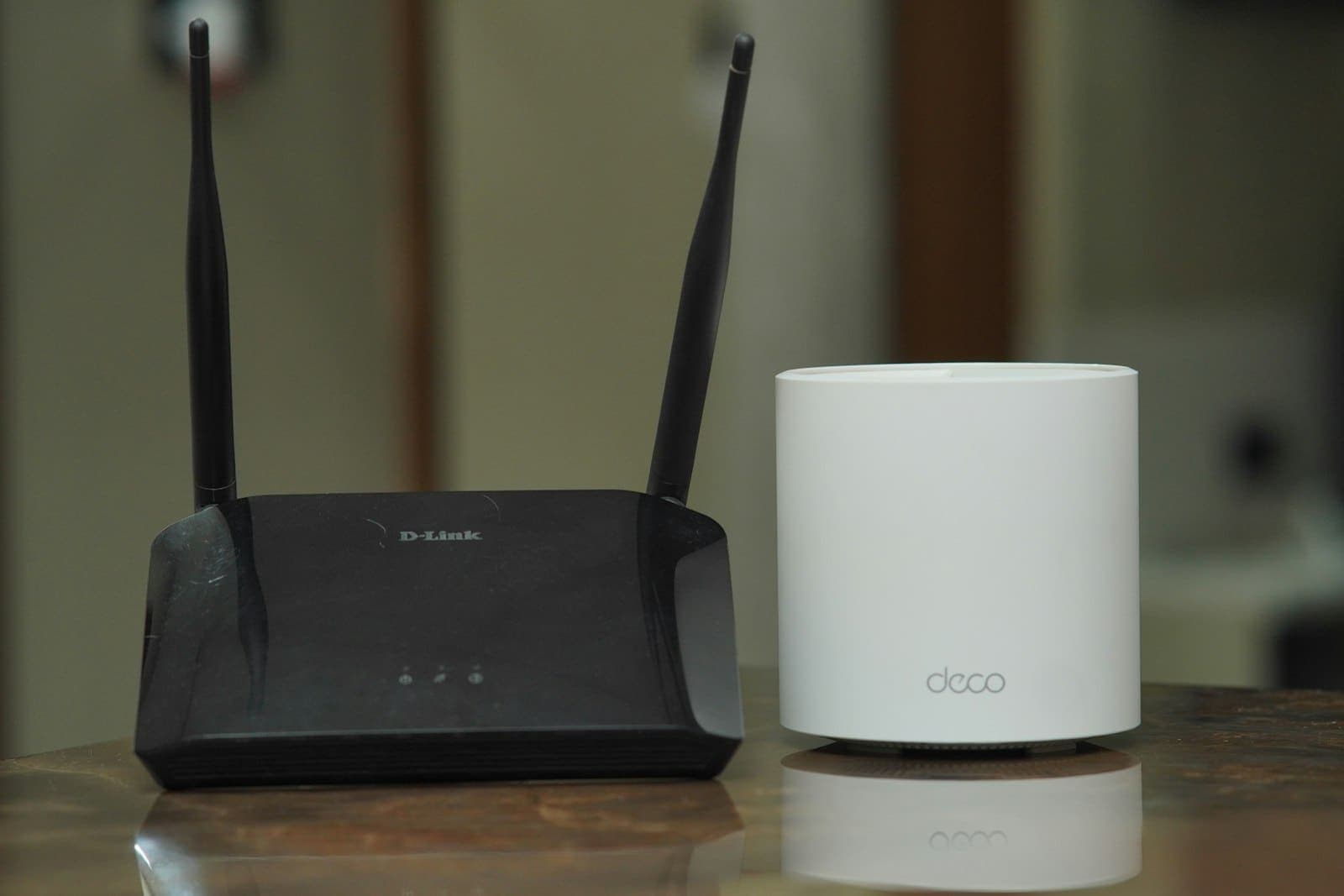
Wireless networking is the Wi-Fi that reaches every room, floor and outdoor space of your property. Instead of one router struggling through concrete walls, we use multiple access points or a mesh system, each placed where it covers a specific zone, all working as one seamless network.
What it is
Wireless Networking, in plain language
Your phone hands over from one access point to the next as you move, so video calls do not drop between the bedroom and the terrace, and every camera, smart switch and TV gets a strong, stable signal.
Where to use it
- Multi-floor villasAn access point per floor, plus outdoor coverage for the garden and terrace.
- Large apartmentsMesh units that cover long corridors and bedrooms at the far end.
- Home officesStable, fast Wi-Fi for video calls and large uploads.
- Restaurants, hotels and clinicsSeparate, managed guest Wi-Fi with fair-use limits.
Benefits
Why it is worth it
No dead zones
Coverage is planned room by room, including outdoors.
Seamless roaming
One network name across the property.
Guest and IoT isolation
Visitors and smart devices stay off your private network.
Ready for automation
Enough capacity for dozens of smart devices and cameras.
Options & specs
How to choose
- Mesh systems
- Wireless backhaul for finished homes where cabling is difficult.
- Ceiling and wall access points
- Wired backhaul for the best speed and reliability.
- Outdoor access points
- Weather-rated units for gardens, pools and gate areas.
- Wi-Fi standards
- Current-generation Wi-Fi 6, 6E and 7 equipment from Netgear and TP-Link.
See it
Want to see wireless networking we have installed?
Message us and we will share photos and videos of recent projects near you.
Our process
From first visit to years of support
- 01
Listen & Design
We run a signal survey and note where you work, stream and need coverage.
- 02
Develop
We plan access-point positions, backhaul and network segments.
- 03
Integrate & Install
We install, configure and test speed and roaming in every room.
- 04
Operate (AMC)
AMC covers firmware updates, monitoring and troubleshooting.
Brands we use
Products we supply and integrate
- Netgear
- TP-Link
FAQ
Wireless Networking questions
Are range extenders enough?
Extenders often halve the speed and create separate networks. A planned mesh or access-point system gives far better results.
How many access points do I need?
Usually one per floor for an average villa, plus outdoor units where needed — we confirm this with a survey.
Will this improve my internet speed?
It will let you use the full speed of your internet plan everywhere in the home. It cannot make the plan itself faster.
Can I see who is connected?
Yes. Most systems we install have an app that shows connected devices and lets you pause or block them.
Start a conversation
Interested in wireless networking?
Send us a photo or a floor plan on WhatsApp — we will suggest options and arrange a site visit.